Direct PS2-style movie scenes from one chat.
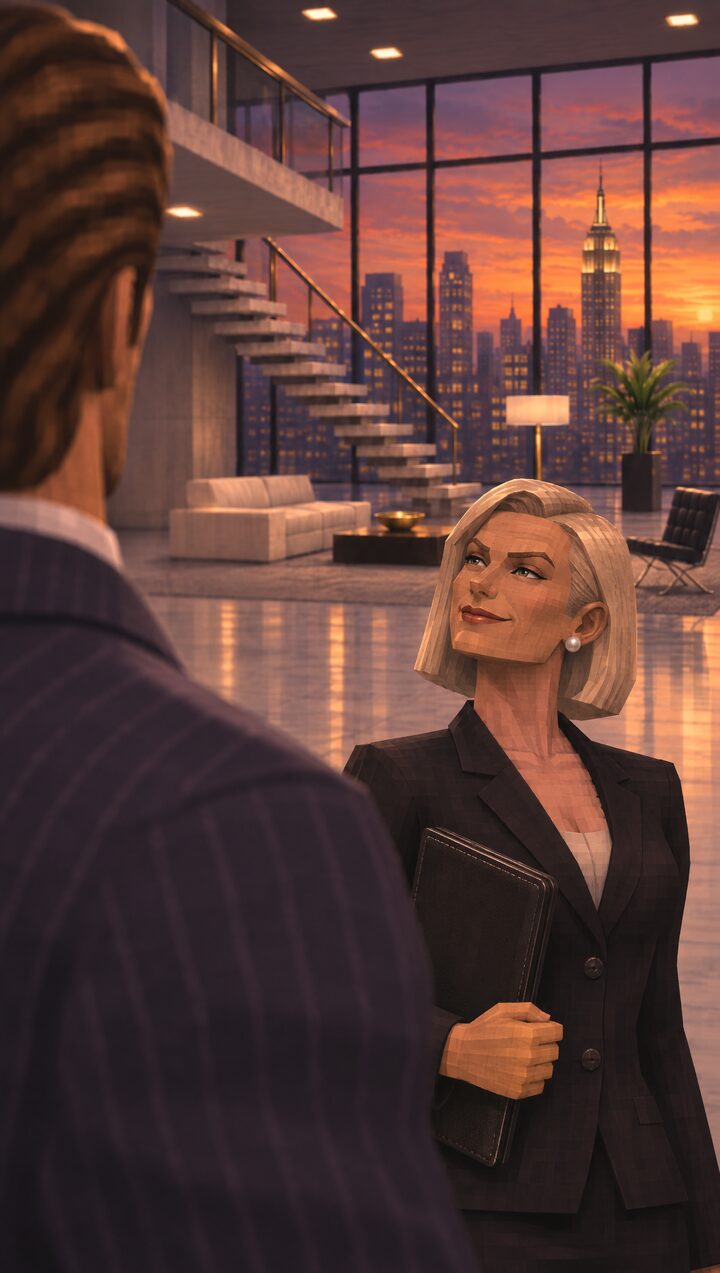
The workflow behind Wlthusd: one recurring character, Claude as your director, Higgsfield as your studio. No camera. No 3D software. No juggling five different apps.
- The full workflow on video
- PDF guide, every step written down
- Prompt sheet, ready to copy
- Bonus: 25 scene ideas
Paid AI tools needed (not included). Views are not guaranteed.
Made with this exact workflow.
Same face, same voice, same retro look in every video. Tap a scene to watch it with sound.
You direct. AI shoots the scene.

Build your character once
A character sheet locks the face, hair, outfit and watch, so viewers recognise him in every video.
Direct it in one chat
Claude writes the scene, plans the shots and runs Higgsfield for you: images, video, voices and subtitles.

Check, fix and post
Catch the classic AI mistakes before you post, fix them in a few credits, and upload to Reels and TikTok.
Three ways to make these videos.
Learn 3D software
Modelling, rigging, animating, rendering. Months of practice before your first scene.
Juggle five AI apps alone
One tool for images, one for voices, one for video, one for edits. Every failed take costs credits.
One chat, one tested workflow
Claude directs, Higgsfield renders. Follow the steps and copy the prompts that already worked.
Every step, shown on screen.
Watch it once, then keep the guide and the prompt sheet open next to you while you make your own scene.
- 01Your characterFrom one picture to a locked character sheet.
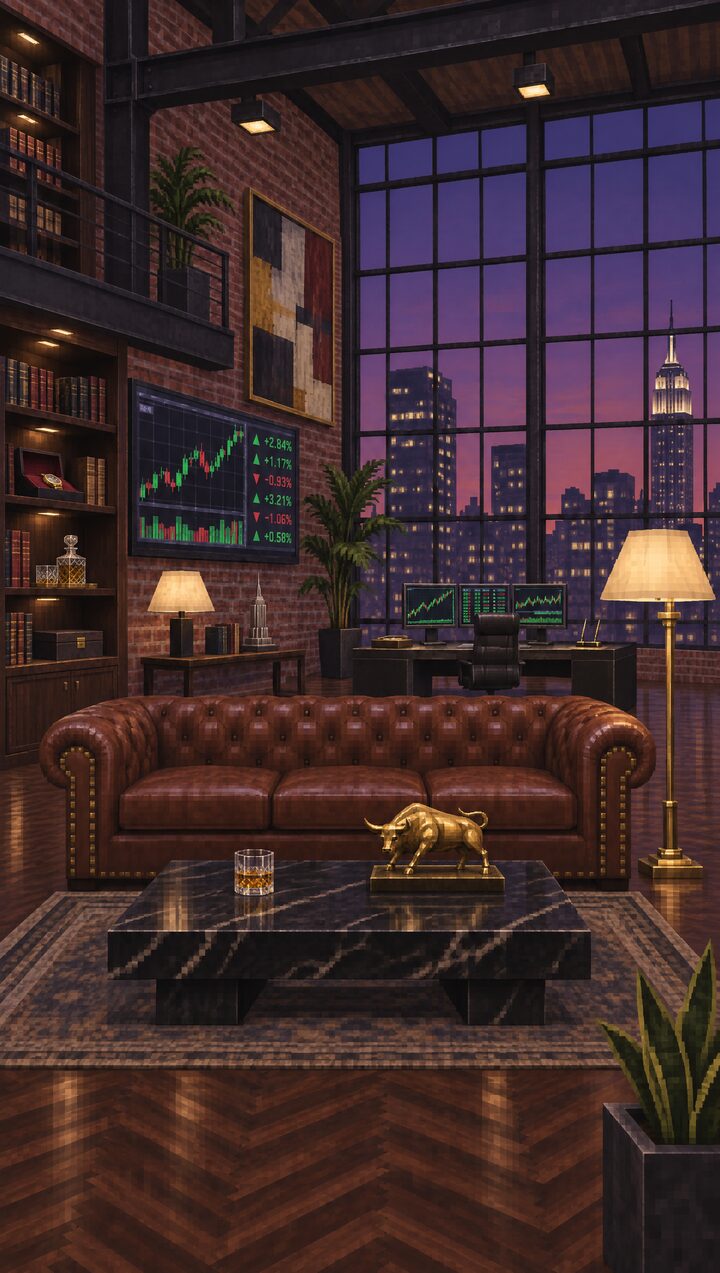
- 02The home setOne location that looks the same in every video.
- 03The scriptHook, flex, punchline: scenes people watch to the end.
- 04Shoot it like a movieOver-the-shoulder shots so the right person talks.
- 05Lock the voiceThe same deep voice in every video.
- 06Subtitles and postingBurned-in captions, 9:16, ready for Reels.
Four files. Yours to keep.
The method video
The whole workflow on screen, start to finish.
The method guide
Every step written down, to follow while you create.
The prompt sheet
38 ready-to-use prompts for characters, sets, shots and voices. Plus a plain-text copy.
25 scene ideas
Plus the mistakes we already paid for, so you don't have to.
One course. One payment.
- The method video, start to finish
- The PDF guide, every step written down
- The prompt sheet, ready to copy
- Bonus: 25 scene ideas
- Works with your own character and ideas
- Instant download, yours to keep
Secure checkout by Gumroad. You get an email with your download link right after payment. In the EU, VAT is added at checkout depending on your country.
Good to know.
You'll need AI tools
A paid Claude plan and Higgsfield credits. In our own tests a 35-second scene with two characters used about 100 Higgsfield credits. Tools are billed by their makers and not included.
No experience needed
The method starts from zero. You don't need any 3D, editing or coding skills.
Views are not guaranteed
Your results depend on your ideas, how often you post and the algorithm.
Questions? Answers.
Do I need AI or 3D experience?
No. Every step is shown on screen and written down in the guide.
Which tools do I need?
Claude, connected to Higgsfield. That one setup handles the images, the video, the voices and the subtitles.
Can I use my own character?
Yes. The method is built around making your own recurring character and keeping it consistent.
Is it a one-time payment?
Yes. You pay $97 once and keep the files. No subscription.
How do I get the course?
Right after checkout, Gumroad emails you a download link.
Is this an official PlayStation product?
No. "PS2-style" describes the retro look of the videos. This is an independent course.